With remote work and freelance jobs becoming mainstream, your desk is no longer just simple furniture. It serves as your personal office, creative studio, and focused working corner.
Many people overlook how much their workspace affects focus, mood, and work efficiency. A well-arranged desk can greatly cut down distractions, lower stress, and maximize your daily productivity.
This guide shares practical, easy-to-follow desk setup tips. You can build a comfortable, functional workspace that truly fits your work style.
Why Your Desk Setup Impacts Productivity More Than You Think
When talking about productivity, most people only focus on self-discipline and time management. However, environmental psychology proves that your workspace plays an equally important role.
Messy desks filled with random items easily trigger anxiety and disrupt working memory. They make it hard for
On the contrary, a tidy, well-designed workspace unlocks your brain’s information processing ability and sharpens concentration.
Key environmental factors like lighting, noise, color matching, and ergonomic layout also directly determine how long you can stay focused and efficient.
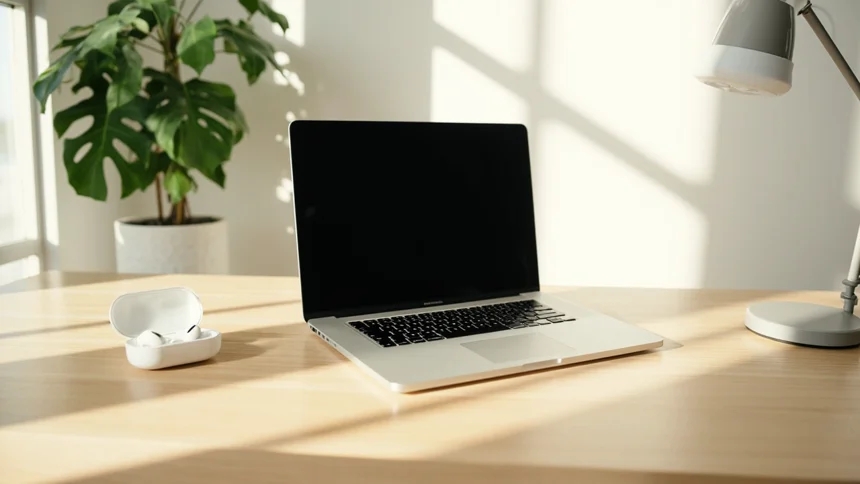
1. Prioritize Ergonomics for Long-Time Comfort
Comfort is the foundation of high productivity. A scientific ergonomic setup avoids physical fatigue and strain injuries, allowing you to work focused for longer hours.
Chair: Choose a supportive chair that prevents sliding. Keep your feet flat on the floor and your knees bent at a 90-degree angle when sitting.
Desk Height: Adjust the desk height so your elbows form a right angle while typing, which protects your wrists and shoulders.
Monitor Position: Align the top of the screen with your eye level or slightly lower. Keep a 50cm distance between your face and the monitor to reduce eye pressure.
Keyboard & Mouse: Use wrist rests if you feel sore. Keep your keyboard and mouse at the same horizontal level to avoid wrist strain.

2. Clear Desk Clutter to Eliminate Distractions
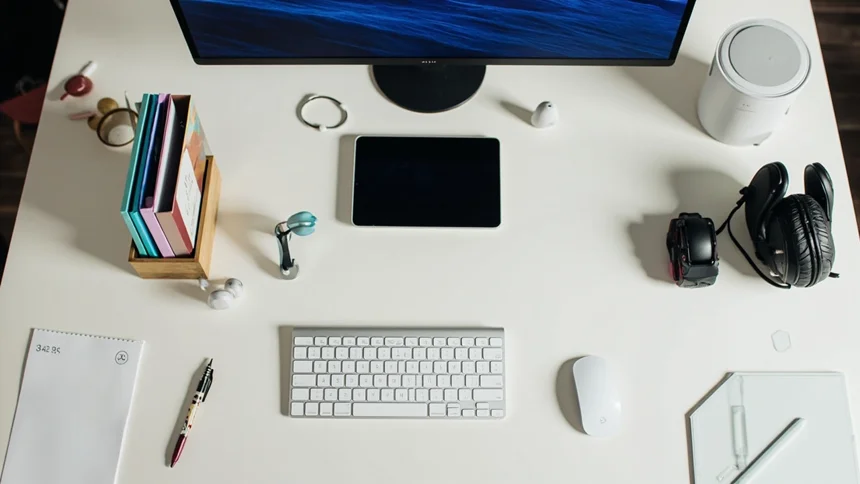
Minimalist desk layout is not just for aesthetics. A clean desktop helps your brain enter task mode quickly and reduces procrastination.
Keep only 3 to 5 essential items on your desk surface.
Use cable organizers and under-desk storage trays to hide messy wires.
Make full use of vertical space, such as monitor risers with drawers and wall pegboards.
Digitize files and notes to reduce paper stacking. A clutter-free environment effectively calms your mind and improves focus.

3. Optimize Lighting to Protect Eyes & Boost Focus
Lighting is often ignored in desk setup, yet it greatly affects eye health, mood and work efficiency. Unreasonable lighting causes eye strain and fatigue easily.
Natural Light First: Place your desk near a window if possible. Soft natural light activates your body and keeps your mind alert.
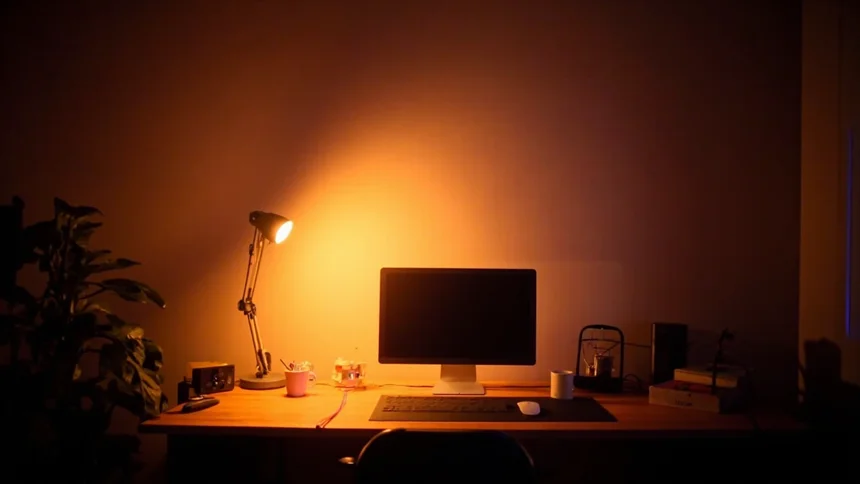
Smart Task Lighting: Use a dimmable desk lamp with adjustable color temperature. White daylight helps concentration in the daytime, while warm yellow light relaxes you at night.
Avoid Harsh Light: Stay away from overly bright overhead lights and screen glare. Adjust screen brightness to match ambient light.
4. Add Proper Personal & Motivational Decor
A rigid workspace kills creativity. Appropriate personal decorations create a positive working atmosphere and lift your mood.
Place small potted plants to relieve stress and add vitality.
Put up inspirational quotes, framed photos or a goal tracker to stay motivated.
Create a simple vision board for your work and life plans.
Note: Do not over-decorate. Too many ornaments will cause visual clutter and distract your attention.

5. Equip Practical Tech Tools for Higher Efficiency
A good desk setup relies on both layout and professional tools. The right tech stack saves time and reduces mental consumption.
Task Management Tools
Trello and Asana suit team project management; Notion supports all-round workspace arrangement; Todoist is perfect for simple daily task lists.
Focus Tools
Use Pomodoro timers to manage work rhythm. Noise-canceling headphones block external interference. Apps like Noisli and Brain.fm provide exclusive focus background sounds.
Time Tracking Tools
RescueTime monitors device usage, Toggl and Clockify record working hours, helping you optimize time allocation.
6. Build Workspace Rituals & Boundaries
Productive work requires not only a good desk setup but also fixed work rituals to separate work and life psychologically.
Morning Start Ritual
Tidy your desk for 3 minutes, turn on working lights, and list your top 3 daily priorities to enter work mode quickly.
Midday Adjustment Ritual
Stand up and stretch every 90 minutes. Try simple breathing exercises, or switch lighting and background music to reset your energy.
Daily Shutdown Ritual
Sign out of work accounts, close redundant tabs, wipe your desktop, and sort out pending tasks for tomorrow. This helps your brain release work pressure completely.

Real Cases: Small Desk Changes Bring Big Productivity Gains
Many people have significantly improved work efficiency by optimizing their desk layout.
Freelance Designer: Equipped with warm-toned desk lamps and noise-canceling headphones, the designer reduced late-night work distractions. Work speed increased by 30% while eye strain was greatly relieved.
Busy Project Manager: After cleaning up desk clutter and setting up dual monitors, the manager’s meeting response and email processing speed improved obviously. A 10-minute Monday morning reset ritual keeps weekly work organized.
Work-from-Home Mom: By adding privacy panels and visible work timers, she created an independent quiet working zone. Clear work rituals also help her children understand her working state.
Final Conclusion
There is no one-size-fits-all perfect desk setup. The best workspace is the one that matches your work habits and personal needs.
Reasonable ergonomics, clean layout, scientific lighting, practical tools and fixed work rituals can effectively reduce stress and boost concentration and output.
Your desk is more than a decoration. It is the starting point of your efficient work and creative inspiration. Start with a small change today to upgrade your workspace and work state.